Next date TBD
Social Media Made Simple
A 5-step system for small business owners to plan, create, and show up consistently —without overthinking every post.
Join this Online Class for $37!
If social media has been sitting at the bottom of your to-do list (or stressing you out every time you open Facebook or Instagram), this class will show you a simple, realistic way to stay consistent.
Less Stress. More Impact!

You know social media matters…
but actually keeping up with it?
That’s where things get hard.
You’re running your business, helping clients, and managing your day-to-day—and somehow you’re also supposed to come up with content, design posts, write captions, and stay consistent.
It’s a lot.
And most of the time, it ends up feeling overwhelming… or getting pushed off completely.
Here is the Good news!
It doesn’t have to feel this complicated.
You don’t need to post every day.
You don’t need to be on every platform.
And you don’t need to start from scratch every time.
You just need a simple system you can follow.
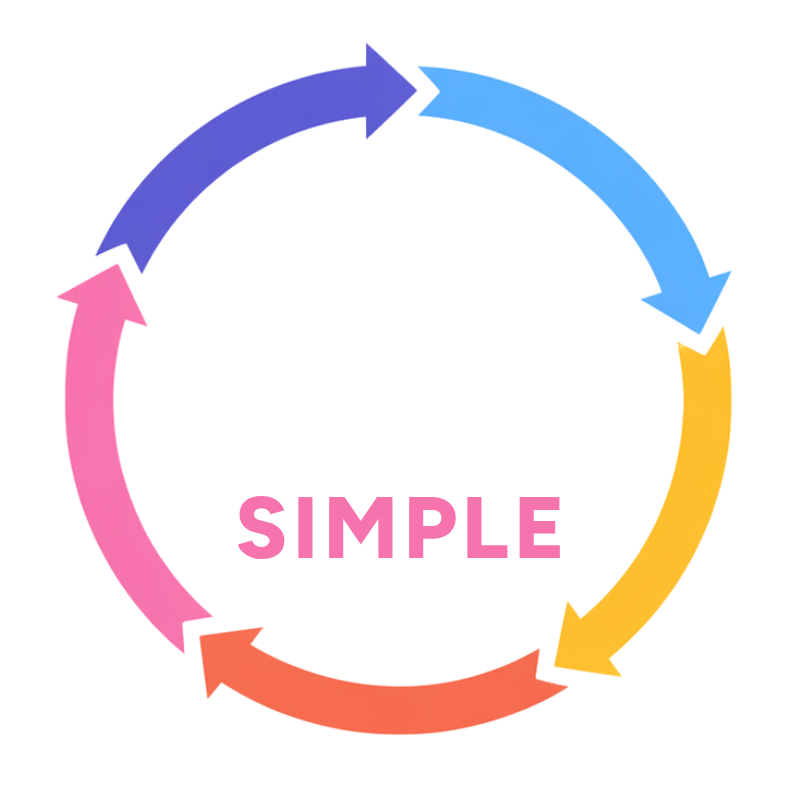
Inside this class, I’ll walk you through a simple, repeatable process so you can stop guessing what to post and start showing up consistently.
Next Date TBD
For Only $37!
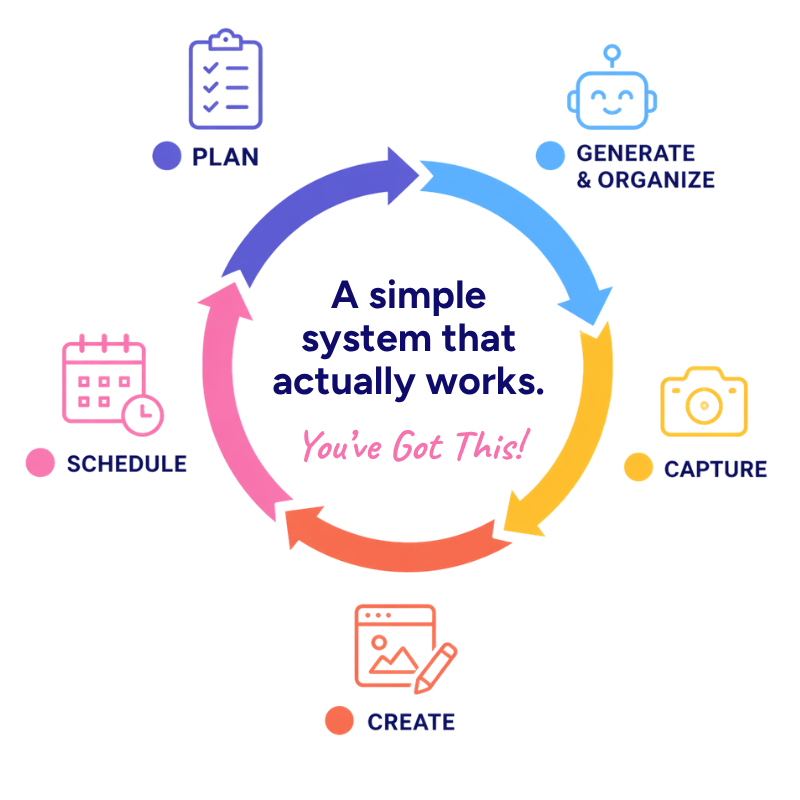
The 5-Step System
Here’s the exact system you’ll learn:
1. Plan
Know what to post and how to think about your content

2. Generate & Organize
Come up with ideas and keep everything in one place

3. Capture
Know what photos and videos you actually need
4. Create with Canva
Design simple, on-brand content without overthinking it

5. Schedule
Get your content posted and off your plate
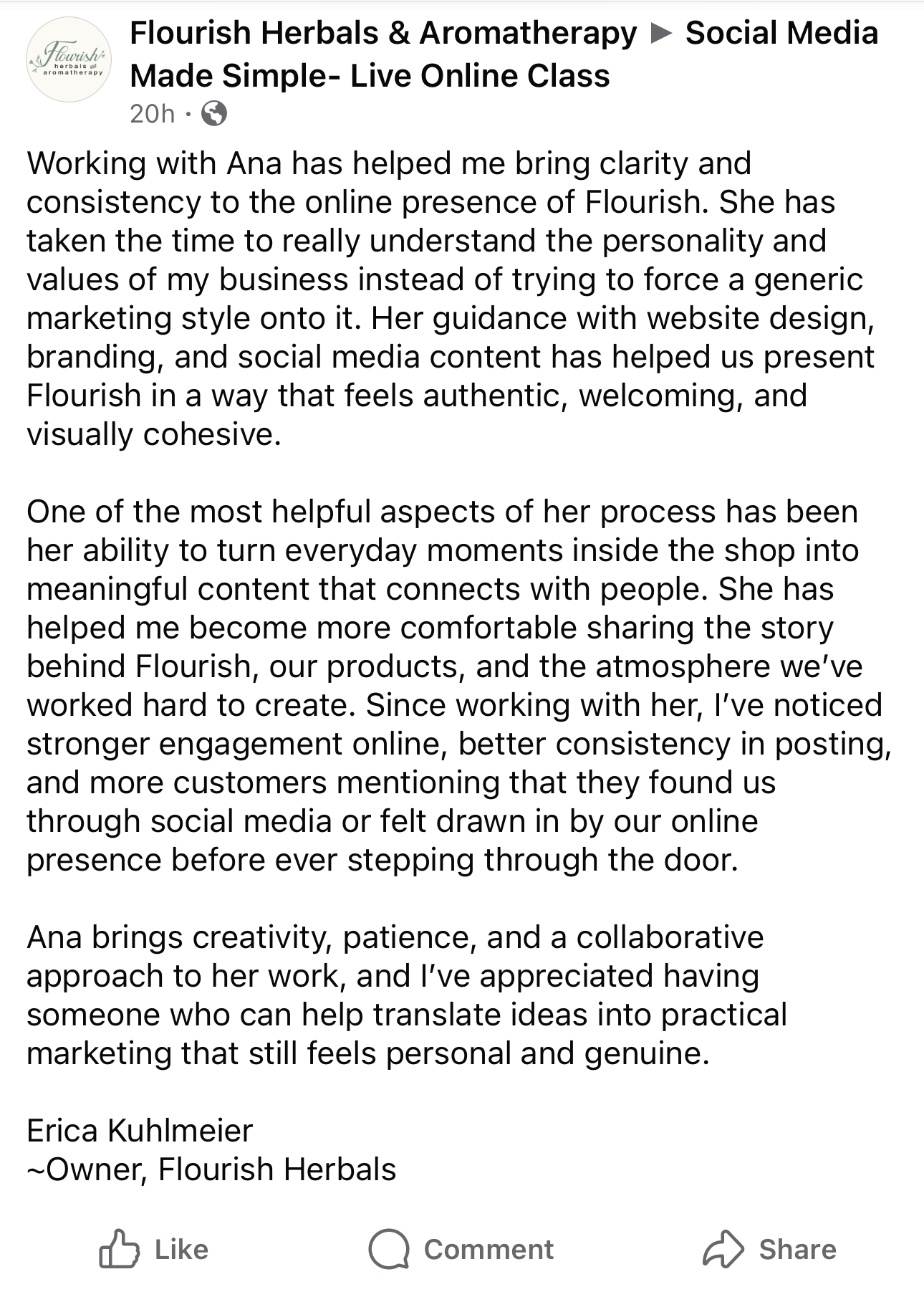
A system with real results
What’s Included
When you join Social Media Made Simple, you’ll get:
Live Online Class
90 min + Q&A
A step-by-step walkthrough of the full 5-step system.
Reference Guide
A simple guide you can come back to anytime.
Content Planning Prompt
A ready-to-use prompt to generate content ideas.
Canva Content Calendar Template
An easy way to plan and organize your content each month.
For Only $37!
What you’ll walk away with
By the end of this class, you’ll:
Have a clear system you can reuse every month
Know exactly what to post (no more guessing)
Feel confident using Canva for your content
Save time when creating your posts
Finally feel consistent on social media
Who this is for
This class is for you if:
You’re a small business owner doing your own marketing
You know social media is important, but it feels overwhelming
You’re already using Canva (or want to) but not to its full potential
You want something simple and realistic—not another complicated strategy
A Little About Your Guide
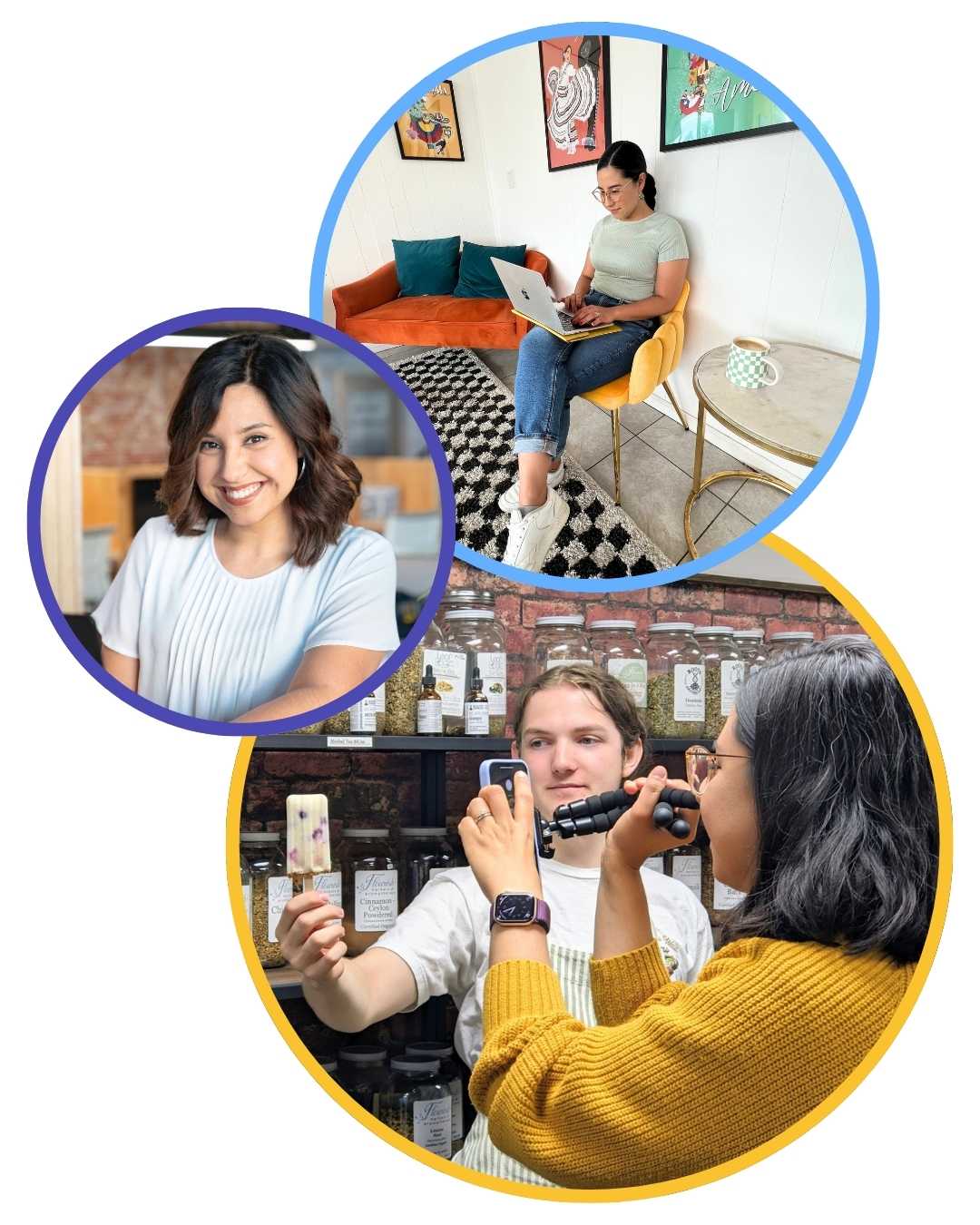
Hi, I’m Ana 👋🏼 Your small business cheerleader. I started managing social media for businesses in 2014 while working at a marketing company, and since 2022 I’ve been doing this on my own through my business, Purplefive Studio, working closely with small business owners like you. I have over 10 years of experience in marketing and design.
I know what it feels like to juggle everything while still trying to show up online. I also know how frustrating social media can feel when nothing seems to stick. Over the years, I’ve learned what works, what wastes time, and what actually helps you stay consistent. I believe social media should feel simple and doable, and that’s exactly what I want to help you create.
You don’t need more ideas.
You need a system that works.
Save your spot and start making social media feel simple.